Microsoft Edge can synchronise with your Maple account, to save things like your bookmarks. To set this up, follow the below:
1. Load Microsoft Edge.
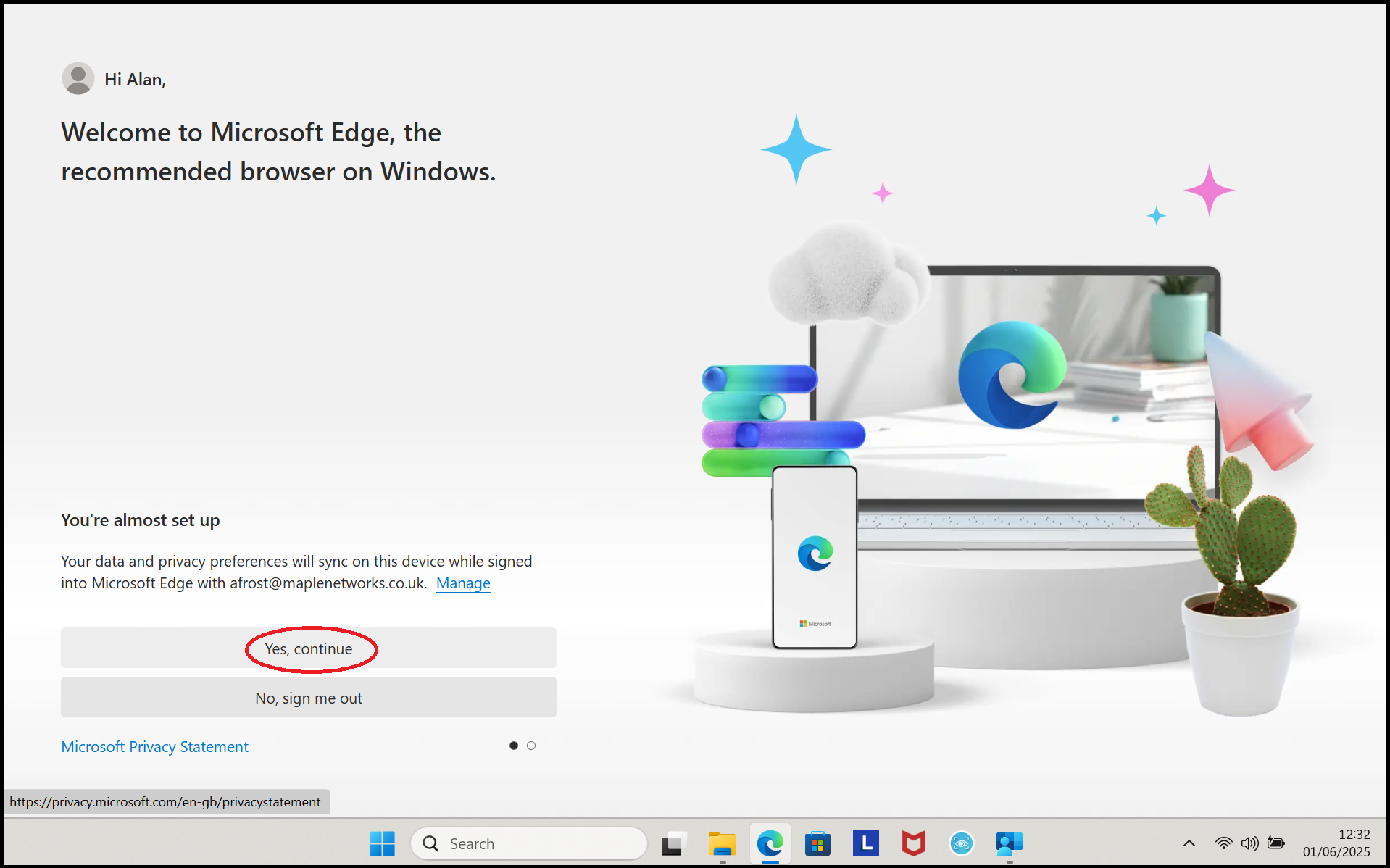
2. You will be asked if you want to sync your data with Microsoft. Click on 'Yes, continue'.
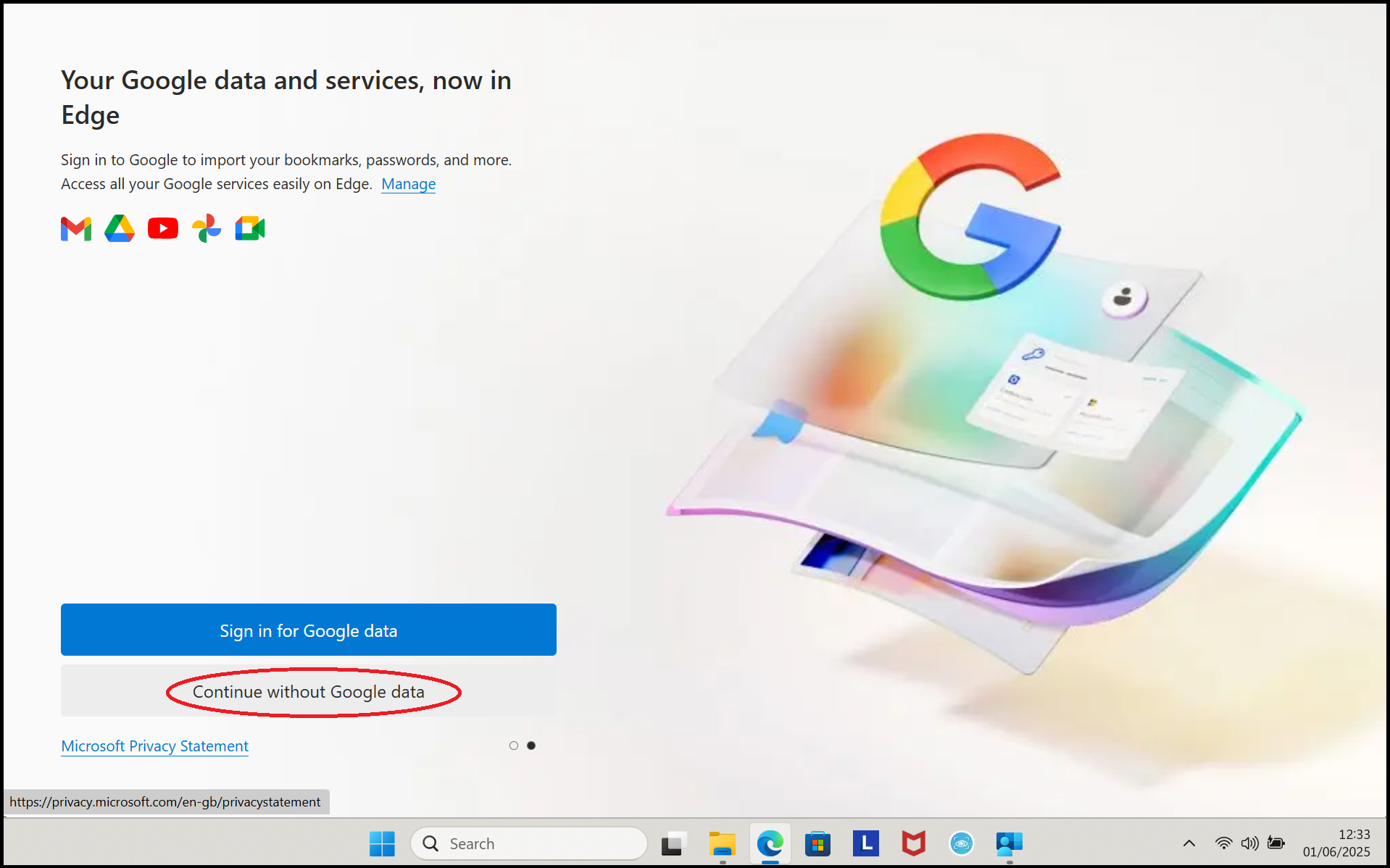
3. Click on 'Continue without Google data'.
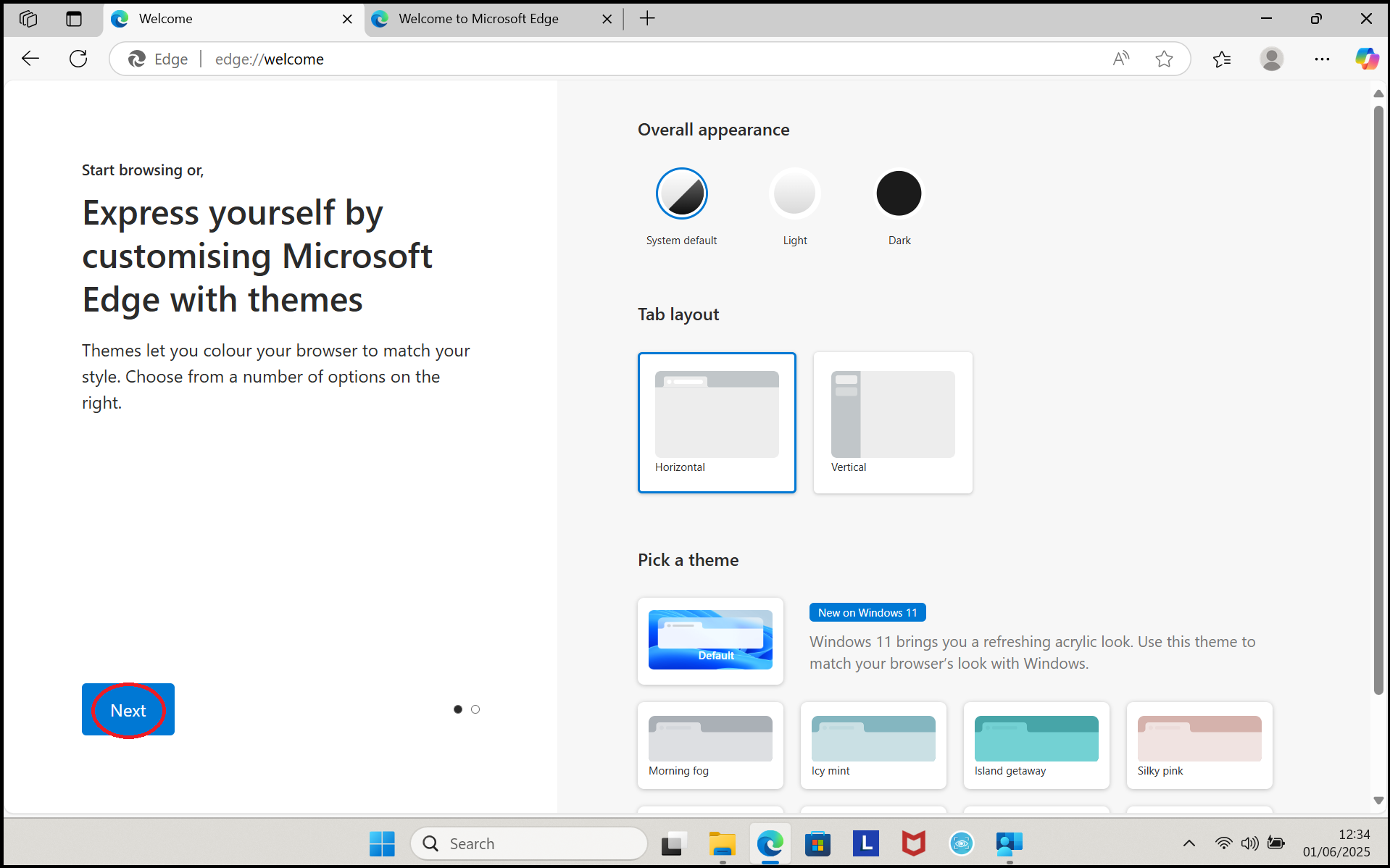
4. The next question is about the way Edge will look. This is personal preference, so select anything that you would like to change, then on 'Next' when you are ready.
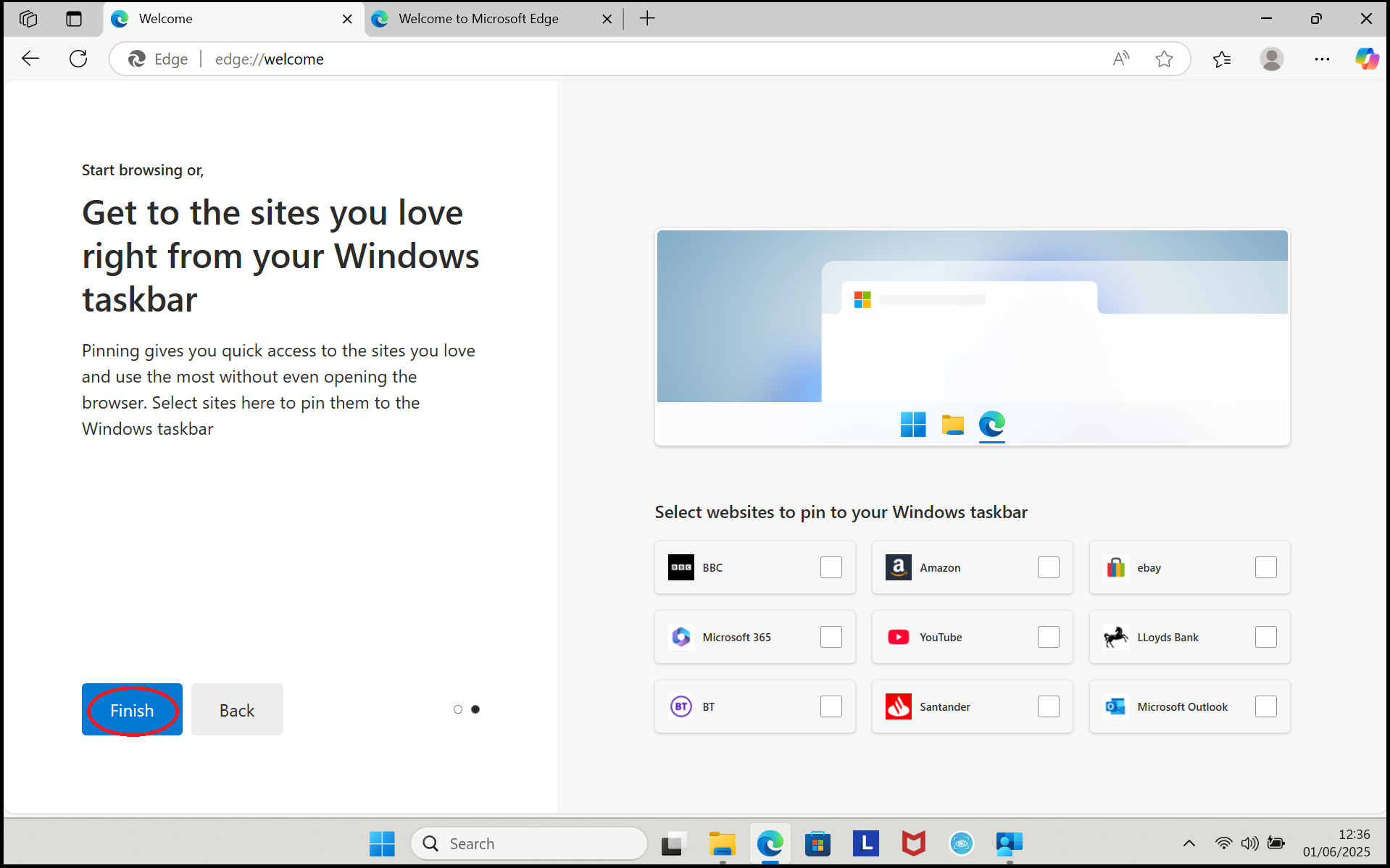
5. Click on 'Finish'
Microsoft Edge has now been configured. Please click the 'Back' button on your Internet Browser.